课程介绍:
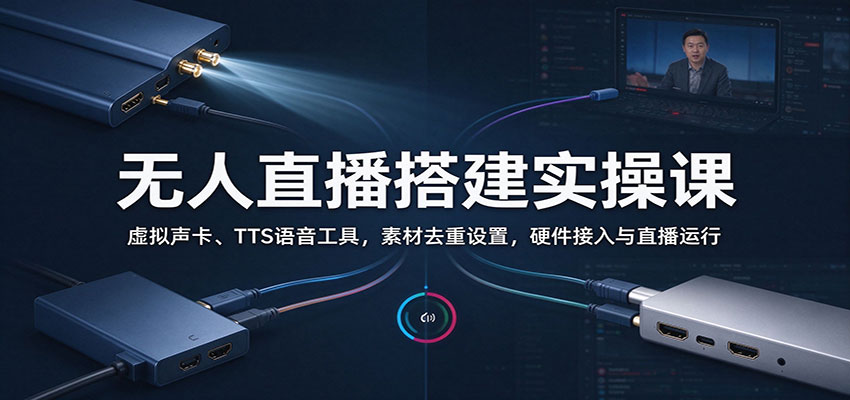
本套无人直播系统搭建教程,包含全套配套软件资源,讲解虚拟声卡、TTS 语音、OBS 去重插件、指定版本剪映等工具的安装配置。课程分步演示 USB 摄像头、麦克风硬件对接方法,详解无人直播完整实操流程,附带视频号时钟报时专项教程,教你做好素材去重、音视频链路调试,搭建稳定的无人直播环境。适合想开启无人直播的创业者,跟着步骤完成系统部署,掌握开播调试的全套实操技能。
课程目录:
全网无人搭建系统所需软件
(虚拟声卡) e2eSoftVSC_v1.5.zip
index-tts 稳定版.rar
obs 定制插件去重高级版.zip
剪映不要升级 (1).rar
电脑版剪映专业版 v6.0.1 免安装版 .rar
直播录制软件.zip
直播系统官网.txt
视频号 180 秒报时需要拿时钟报时教程.rar
对接 UBS 物理摄像头 3.mp4
对接 USB 真实麦克风 4.mp4
无人直播实操教程 2.mp4
无人直播实操讲解 .mp4
下载地址:
隐藏内容
知识无价,收集整理有成本!赞助后可下载
本帖隐藏的内容通过网盘分享的文件:链接: https://pan.baidu.com/s/1EOJuSf8G-KUgCjduSvwYNw?pwd=9999
.ri-down-actions .btn{white-space:nowrap;}
@media (max-width:768px){.ri-down-actions .btn{font-size:.8rem;padding:.35rem .25rem;}.ri-down-actions .btn i{margin-right:.15rem;}
}
(function () { if (window.__riDownCopyInit) return; window.__riDownCopyInit = true;
function legacyCopy(text) { try { var ta = document.createElement(‘textarea’); ta.value = text; ta.setAttribute(‘readonly’, ”); ta.style.cssText = ‘position:fixed;top:-9999px;opacity:0;’; document.body.appendChild(ta); ta.select(); ta.setSelectionRange(0, ta.value.length); var ok = document.execCommand(‘copy’); document.body.removeChild(ta); return ok; } catch (e) { return false; } }
function toast(type, msg) { if (typeof window.ripro_v2_toast_msg === ‘function’) { window.ripro_v2_toast_msg(type, msg); } else { alert(msg); } }
document.addEventListener(‘click’, function (e) { var btn = e.target.closest ? e.target.closest(‘.ri-copy-link’) : null; if (!btn) return; e.preventDefault(); var text = btn.getAttribute(‘data-clipboard-text’) || ”; if (!text) return;
function done() { var okMsg = (window.riprov2 && window.riprov2.site_js_text && window.riprov2.site_js_text.copy_txt) ? window.riprov2.site_js_text.copy_txt : ‘复制成功’; toast(‘success’, okMsg); } function fail() { toast(‘info’, ‘复制失败,请长按链接手动复制’); }
if (navigator.clipboard && window.isSecureContext) { navigator.clipboard.writeText(text).then(done, function () { legacyCopy(text) ? done() : fail(); }); } else { legacyCopy(text) ? done() : fail(); } }, false);})();